
Fake renewal invoice scam UAE remote access
The Email Says Your McAfee Renewed for $599. The Real Scam Starts After You Call to Cancel.
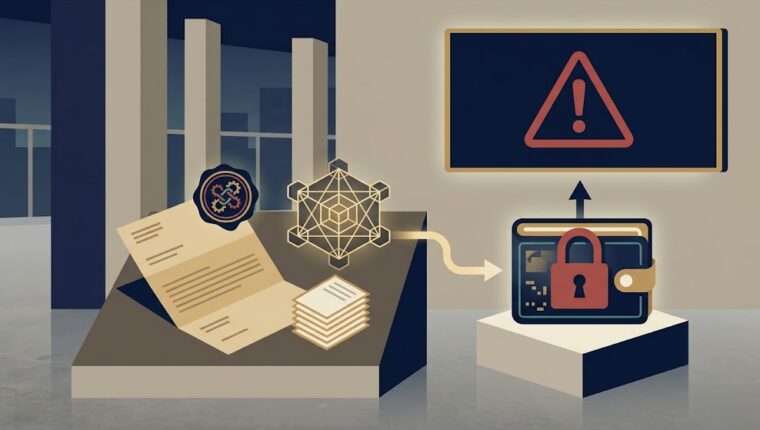
An email lands in your inbox, styled to look exactly like a renewal receipt from McAfee Security or PayPal. It claims a charge, often $399 or $599, roughly Dh1,400 to Dh2,200, has already been processed and will appear on your account shortly. A phone number sits at the bottom, with urgent instructions to call within 24 hours if you didn’t authorize it. That phone call is where the actual scam begins.
How the Full Sequence Actually Works
The email is convincing specifically because it mimics real renewal notices closely, correct branding, plausible amounts, a professional layout. Authorities note this fits a broader pattern: cybercriminals are no longer just relying on generic phishing links, they’re exploiting system vulnerabilities and social engineering together to gain full control over a victim’s computer.
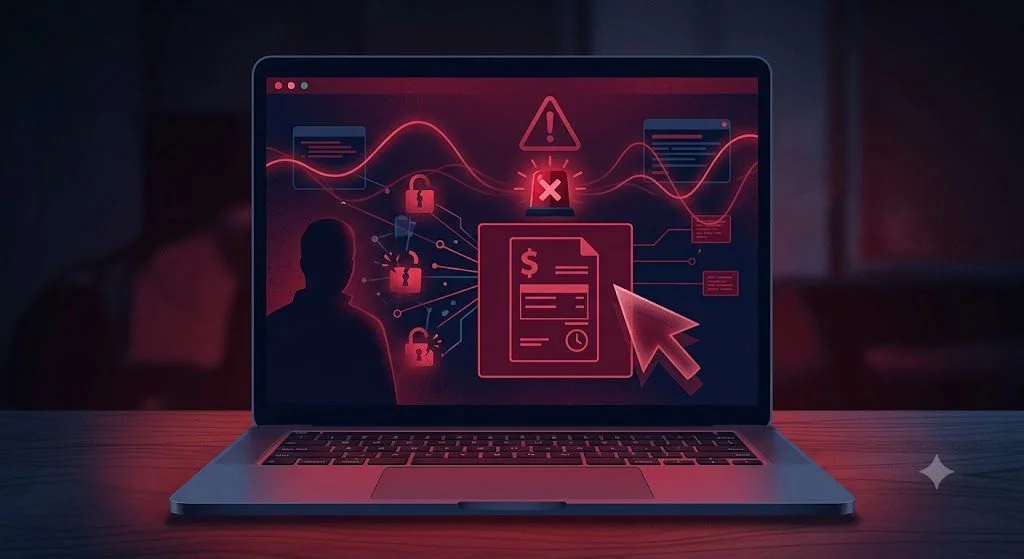
Once a worried recipient calls the number to dispute the charge, the person on the line, posing as customer support, walks them through installing a legitimate remote-desktop tool, the same kind of software real IT support teams use. Once installed, the scammer has live access to everything on that computer. From there, the documented outcomes include direct access to online banking sessions already logged in on the device, installation of additional malware for persistent access, and direct manipulation of files or accounts while the victim watches, believing they’re being helped.
Why This Is More Dangerous Than a Typical Phishing Email
Most phishing scams ask for information, a password, a one-time code, a card number, which means the damage is limited to whatever the victim actually types in. This pattern asks for something more dangerous: direct, real-time control of the device itself. A scammer with remote access can see anything the victim can see, including banking apps, saved passwords, and email accounts, without needing the victim to disclose a single piece of information directly.
This connects to the same broader enforcement pattern we’ve covered before, Dubai Police arrested 494 individuals across 406 phone fraud cases last year targeting banking customers, and in one specific operation, two men were arrested for defrauding victims of over Dh3 million across 173 separate bank accounts using exactly this combination of phone-based social engineering and account access.
The Rule That Defeats This Completely
No reputable company, McAfee, PayPal, or any other legitimate service, will ever ask you to grant remote access to your computer to process a refund or cancel a charge. Authorities state this plainly: legitimate companies never request remote PC access, never send renewal invoices from personal email accounts, and never ask you to share a private phone number specifically to handle a cancellation.
If you receive an email like this, do not call the number listed in the email itself. If you genuinely have an active McAfee or PayPal subscription and want to check it, log into your account directly through the official app or website, never through a link or number provided in an unsolicited email. And if you’ve already installed remote-access software at someone’s instruction during a call like this, disconnect from the internet immediately, change your banking passwords from a separate, unaffected device, and contact your bank directly to flag potential compromise.
What to Do If You’re Targeted
Do not engage with the number in the email under any circumstance. Verify any claimed charge directly inside the official app for the service in question. If you’ve already granted remote access, disconnect immediately and change all financial passwords from a clean device. Report the incident through Dubai Police’s eCrime platform at ecrime.ae, or the confidential Al Ameen service at 800-4888.
Sources
• Khaleej Times: UAE residents targeted in new email scam wave, fake invoices and remote PC access — https://www.khaleejtimes.com/uae/crime/email-scam-fake-invoice-steal-money-bank-details
• Khaleej Times: UAE authorities warn residents against online fraud, phishing attempts via phone — https://www.khaleejtimes.com/uae/residents-warning-online-fraud-phishing-phone
If you suspect fraud, report via Dubai Police eCrime.ae or call 901.
Robius.news — Dubai, UAE — 2026 | Built to be first. Built to be trusted.