

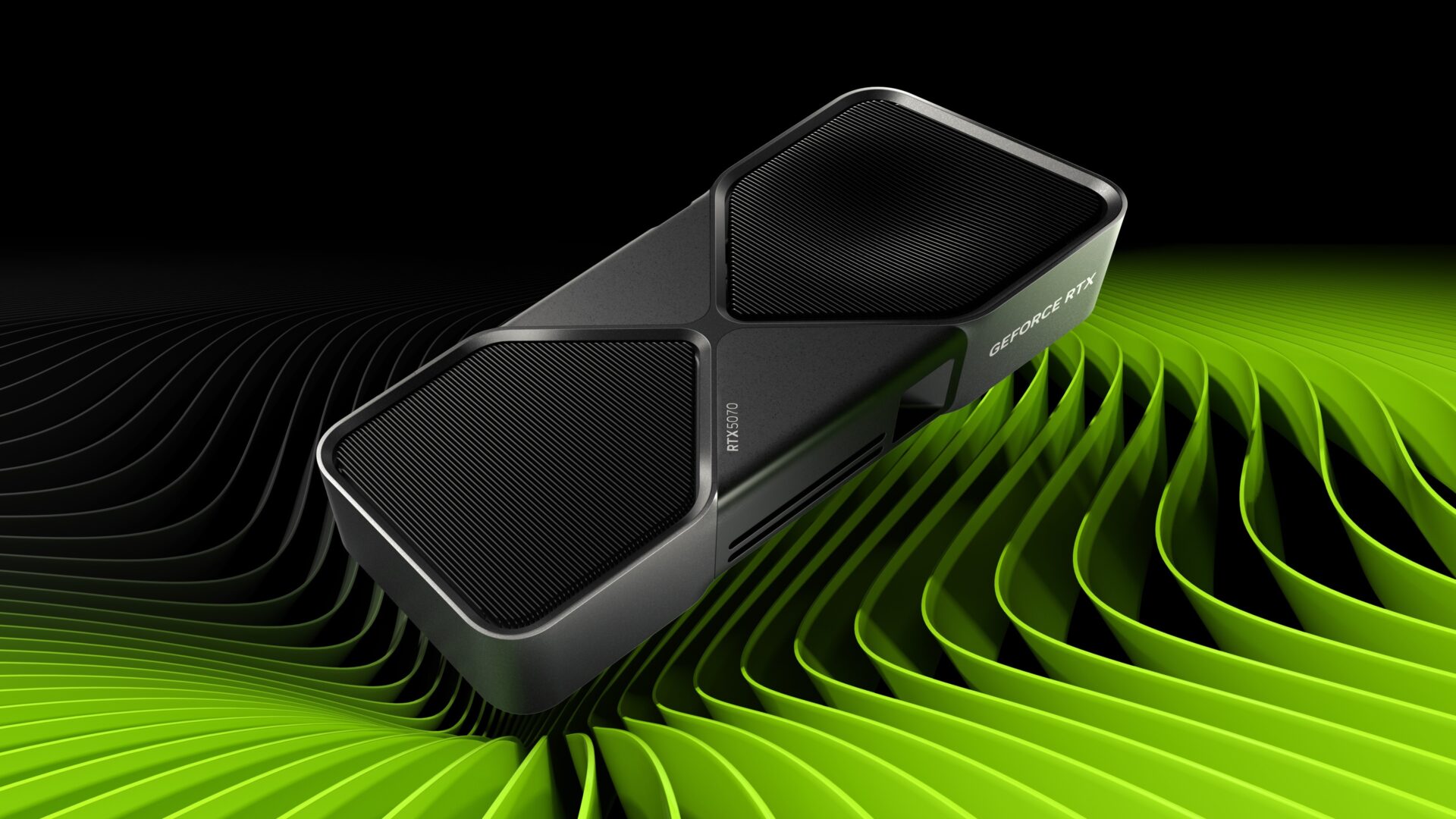
Updated September 2026: this article originally covered NVIDIA’s January 2025 GeForce RTX 50 Series launch.
NVIDIA’s RTX 50 Series launch had two stories mixed together: faster Blackwell hardware and a much more aggressive use of AI-generated frames.
The old Robius article repeated claims such as “up to double the performance” of an RTX 4090 and large DLSS multipliers without explaining which frames were actually being rendered by the GPU and which were being generated between rendered frames.
The RTX 5090 hardware is genuinely formidable
NVIDIA’s current specifications list 21,760 CUDA cores, 32 GB of GDDR7 memory on a 512-bit interface, fifth-generation Tensor Cores and 3,352 AI TOPS for the RTX 5090.
Independent testing also put the RTX 5090 at the top of the gaming-GPU stack when it launched. So the correction is not that the card was slow.
The correction is that “2x faster” can mean very different things depending on how the benchmark was produced.
Multi Frame Generation changes what FPS means
DLSS 4 introduced Multi Frame Generation on RTX 50 Series GPUs. Instead of only rendering every displayed frame conventionally, the system can insert AI-generated frames between traditionally rendered frames.
That can make motion look much smoother. But a displayed 200 FPS created from a much lower base render rate is not equivalent to a game natively rendering 200 frames each second.
Independent testing from Tom’s Hardware highlighted the key reason: user input is still sampled at the underlying render rate. Multi Frame Generation can increase the number of frames reaching the monitor while responsiveness remains tied much more closely to the base workload.
So generated FPS is useful information, but it should not be compared with native FPS as though the numbers describe identical performance.
The technology kept moving after launch
By 2026 NVIDIA had moved on to DLSS 4.5, including a second-generation transformer model for Super Resolution and Dynamic Multi Frame Generation with modes of up to 6X on RTX 50 Series hardware.
NVIDIA’s September 2026 compatibility list shows the technology spread across a large catalogue of games and applications, with support varying by title and feature.
That last part matters. Buying an RTX 50 Series card does not mean every game gets every DLSS feature. Support can be native, enabled through NVIDIA App overrides or unavailable entirely.
What to compare before buying
If you are comparing GPUs, separate at least four things:
- Native rendering performance: what the GPU produces without upscaling or generated frames.
- Upscaled performance: where DLSS renders internally at a lower resolution and reconstructs the image.
- Frame-generated performance: where additional displayed frames are synthesized between rendered frames.
- Latency and image quality: because a larger FPS counter does not automatically mean better responsiveness or cleaner visuals.
Then add price, power requirements, VRAM and the games or creative applications you actually use.
The Robius takeaway
The RTX 5090 was a faster GPU than its predecessor. DLSS 4 also let NVIDIA display much larger frame-rate gains by generating additional frames.
Both things can be true at the same time.
The mistake is collapsing them into one number and calling that number “performance.”
Source: NVIDIA, GeForce RTX 5090 specifications, checked September 2026 — https://www.nvidia.com/en-us/geforce/graphics-cards/50-series/rtx-5090/
Source: NVIDIA, DLSS 4.5 Dynamic Multi Frame Generation, March 31, 2026 — https://www.nvidia.com/en-us/geforce/news/dlss-4-5-dynamic-multi-frame-generation-6x-mode-released/
Source: NVIDIA, current RTX game and application support list — https://www.nvidia.com/en-us/geforce/news/nvidia-rtx-games-engines-apps/
Source: Tom’s Hardware, RTX 5090 review and DLSS 4 Multi Frame Generation testing — https://www.tomshardware.com/pc-components/gpus/nvidia-geforce-rtx-5090-review
Robius.news — Dubai, UAE — 2026 | Built to be first. Built to be trusted.