

If Atlas is still open on your computer, today is not the day to assume your browser will sort itself out.
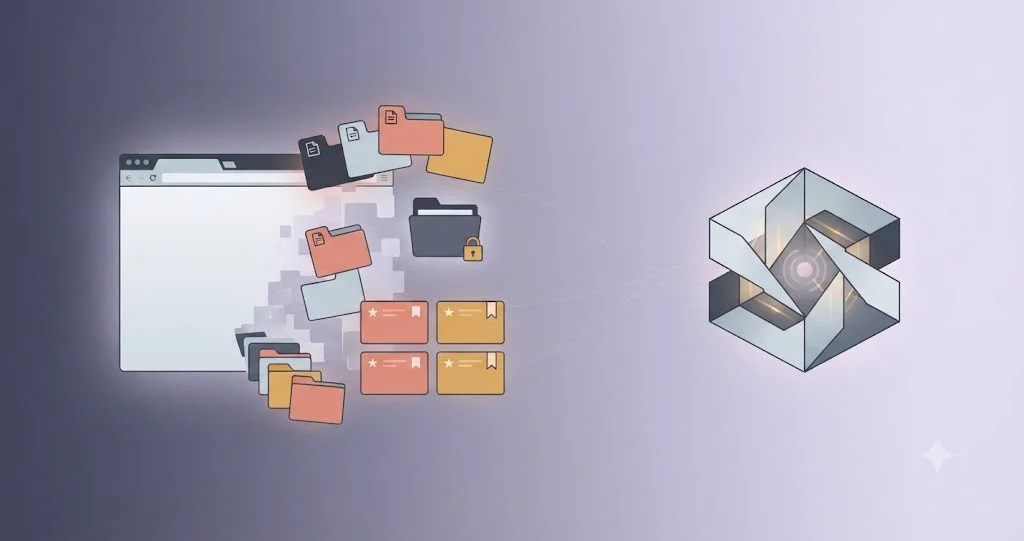
OpenAI says Atlas is scheduled to stop working on August 9, 2026. The important catch is not the shutdown itself. Bookmarks, open tabs and browser history do not transfer automatically. Your ChatGPT conversations are separate and can remain in ChatGPT, but that does not mean the browser state around them follows you.
Atlas is scheduled to stop working on August 9, and several kinds of browser data do not move automatically.
UAE Atlas users, especially people who used it for work, research, signed-in sessions or long-running browser workflows.
ChatGPT conversation history is separate from Atlas browser data. Keeping one does not preserve the other.
OpenAI is moving browser-based agentic work toward ChatGPT, Codex, the desktop app and Chrome experiences where available.
Export bookmarks, save important tab URLs, review browser history you may need, and treat cookie or session files as sensitive.
For UAE users who tried Atlas as a work browser, research tool or agentic workspace, the practical job is simple: save the pieces you would be annoyed to lose before the browser stops being a dependable place to retrieve them.
This Is a Data Migration Story, Not Just a Product Shutdown
The easy headline is that OpenAI is killing a browser. The more useful headline is that a product can disappear while your account survives, and those are two very different kinds of continuity.
OpenAI’s migration guidance says Atlas bookmarks may not transfer automatically. Open tabs may not transfer automatically. Browser history will not transfer automatically. The company tells users to export bookmarks to an HTML file and save important pages or URLs before August 9.
At the same time, OpenAI says ChatGPT conversation history is separate from Atlas browser data and remains available in ChatGPT subject to your plan, workspace settings and account access. That separation is the whole Robius point: account continuity is not data continuity.
What You Should Save Before Atlas Goes Dark
Start with bookmarks. OpenAI provides a direct export path and says the resulting HTML file can be imported into another browser such as Chrome. Do not wait until you need one specific saved page to discover that the browser no longer opens normally.
Then look at open tabs. A tab is not a durable record. Bookmark the ones that matter or copy the URLs into a document. This is especially important if Atlas became the place where you kept research, supplier portals, admin dashboards or long-running project pages open for days at a time.
History is the third layer. OpenAI says it will not transfer automatically. If there are pages you expect to revisit, save them deliberately. Browser history feels disposable until it becomes the only place you remember seeing something important.
Finally, be careful with cookies and session data. OpenAI explicitly warns that cookie and session files are sensitive because they can provide access to signed-in services. Export options may exist, but this is not a file to email to yourself casually, leave in a shared folder or hand to someone you do not trust.
Your ChatGPT History Is a Different Thing
This distinction matters because Atlas sat close to ChatGPT. It would be easy to assume that one OpenAI account means one portable bundle of data. It does not.
Your conversations live in ChatGPT. Your browser tabs, bookmarks and browsing history belong to Atlas. OpenAI says the conversation history can continue even while Atlas browser data needs separate handling.
That is similar to the security lesson in our AI agents and permissions coverage. Once AI is attached to tools, browsers and credentials, the surrounding environment matters as much as the model. A browser shutdown makes the same point from the other direction: the model account is only one layer of the workflow.
What Replaces Atlas
OpenAI says it is folding lessons from Atlas into ChatGPT and Codex rather than maintaining Atlas as a separate browser. Its Help Center points users toward the ChatGPT desktop app for deeper browser-based agentic work and to the ChatGPT Chrome extension or sidebar for browser assistance where those experiences are available.
The wording matters. Availability can depend on plan, region, device, browser and workspace settings. So a UAE user should not assume every replacement surface will appear in exactly the same form on every account.
This is also consistent with the broader direction we covered when OpenAI and Microsoft changed their cloud relationship. The AI layer is becoming less tied to one surface or one infrastructure path. That flexibility is useful, but it puts more responsibility on users and businesses to understand where their data and workflows actually live.
A Five-Minute Exit Checklist
Export your bookmarks. Save any open tab that would be difficult to reconstruct. Scan recent history for pages you still need. Move passwords only through a supported path. Treat cookies and sessions like credentials, not ordinary documents.
Then update internal instructions if your team used Atlas. OpenAI specifically tells workspace administrators to review whether members are using it and to update onboarding or support material that still points to Atlas.
If your business is experimenting with AI-assisted browsing for research or ecommerce, our guide to AI shopping and product data is a useful reminder of the same principle: the useful AI layer depends on clean underlying systems. Browser workflows are no different.
The Robius Read
Atlas disappearing is not a reason to panic. It is a reason to stop treating browser state as if it were automatically part of your cloud account.
The useful lesson goes beyond this one OpenAI product. AI tools increasingly sit on top of tabs, logins, files, connectors and saved context. When a product changes, those layers may move differently.
So if you used Atlas, save what matters today. The ChatGPT account may still be there tomorrow. The trail you built around it may not be.
Sources
- OpenAI Help Center: Evolving Atlas into ChatGPT for browser-based agentic work
- OpenAI Help Center: ChatGPT Release Notes
Robius.news — Dubai, UAE — 2026 | Built to be first. Built to be trusted.